Genie Photo
One editor. Two ways to work.
Genie Photo is designed around the iPad editing experience and carries that same feature set to Mac, adapting the interface to the input and screen you are using.
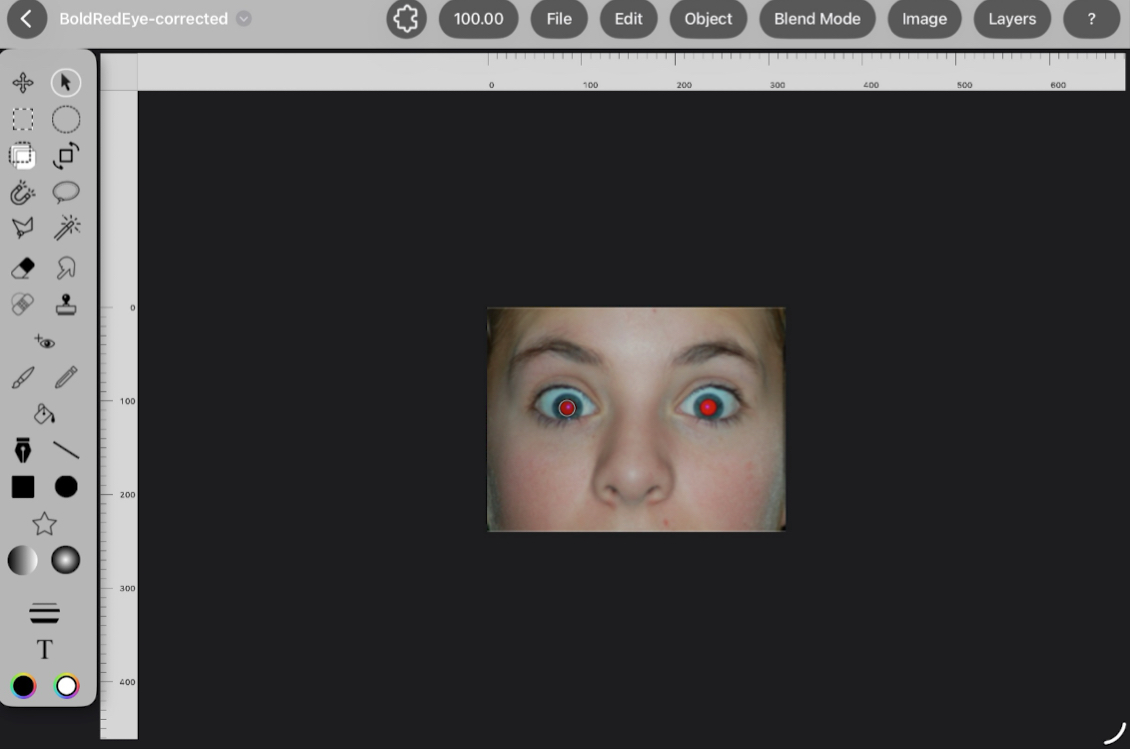
On iPad
Touch and Apple Pencil put the canvas first. Tool settings appear close to the work, two-finger gestures handle navigation, and supported Pencil hardware adds pressure, tilt, barrel roll, and hover feedback.
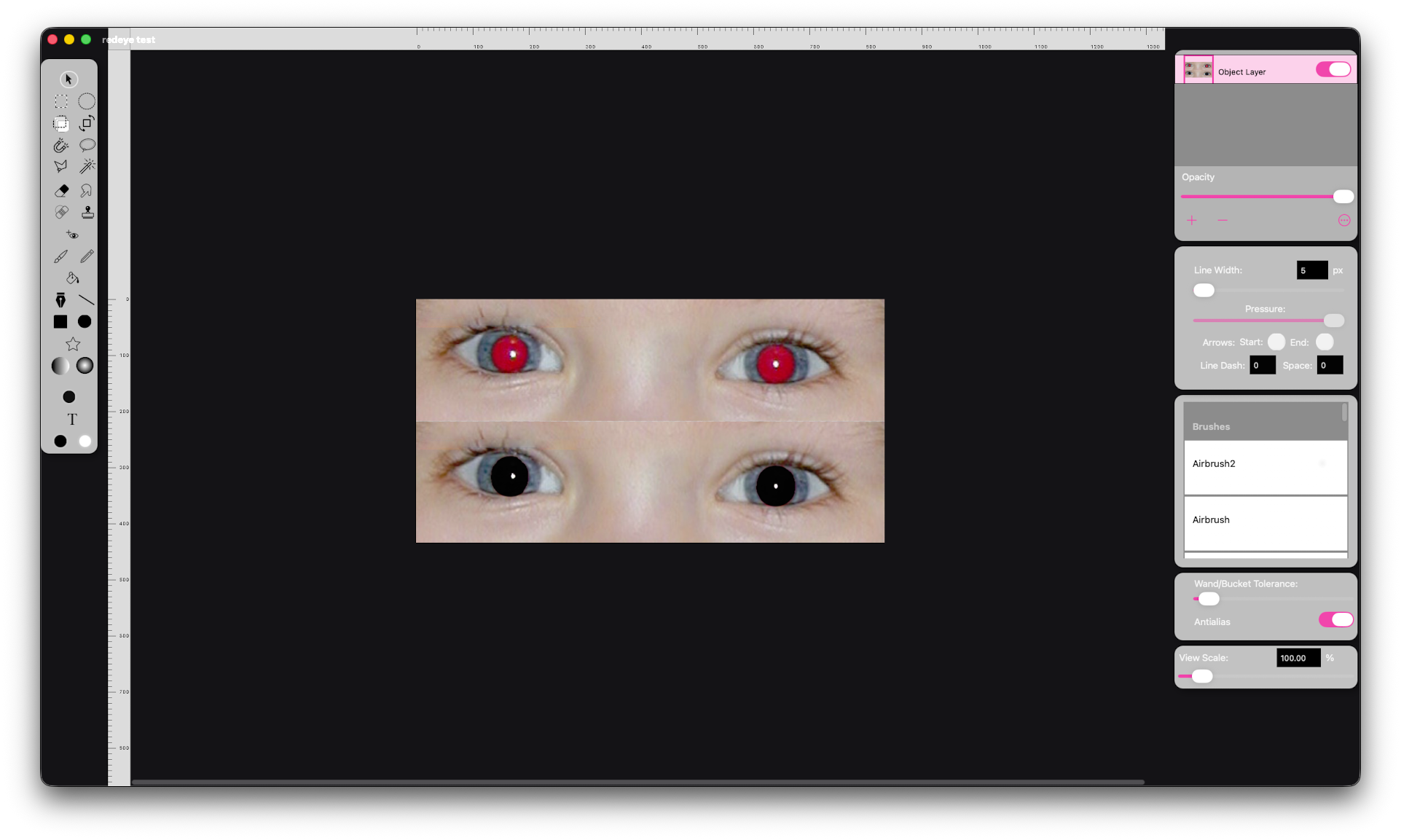
On Mac
Mouse, keyboard shortcuts, desktop menus, multi-window document handling, and persistent panels make the same editing tools comfortable in a desktop workflow.
No reduced iPad edition
Editing capabilities are intended to stay aligned across iPad and Mac; differences are about presentation and platform behavior, not withholding tools from the iPad version.