Genie Photo
Serious editing without a heavyweight workflow.
The tools you expect from a capable photo editor, plus editable vector and drawing workflows that make Genie Photo useful beyond basic retouching.
Layers & documents
- Native layered GPF documents
- Layer groups, masks, opacity and blend modes
- Raster, drawing, object and vector content
- Large photos stay at their full pixel dimensions while you edit
- Revert, Save As, printing and multi-format export
Painting & Apple Pencil
- Brush and Pencil drawing layers
- Pressure-sensitive size or opacity
- Tilt-aware and barrel-roll brush behavior on supported Pencil hardware
- Photoshop ABR brush import on iPad and Mac
- Custom brushes from an image or selection
Selections & retouching
- Magic Wand, rectangular and freeform selections
- Quick Mask with paintable soft selection edges
- Magnetic and polygon lasso tools
- Select Subject and Remove Background where supported
- Clone, healing, red-eye and correction tools
Vector, shapes & text
- Editable lines, Bézier and freehand paths
- Rectangles, ellipses, stars and regular polygons
- Point nudging, alignment and control-handle editing
- Compound paths, Boolean operations and Outline Path
- Editable live text and text-to-Bézier outlines
Gradients & effects
- Linear and radial gradients
- sRGB, Linear RGB and OKLab interpolation
- Live filter stacks with enable/disable and reordering
- Plugin/effect workflow
- Texture and .cube LUT import
Open & export
- Open common raster formats, SVG, Acorn and supported Camera RAW
- HDR and high-bit-depth support where compatible
- Export PNG, JPEG, TIFF, WebP, BMP, JPEG XL and PDF
- Hybrid SVG keeps supported vectors editable and embeds raster layers
- Color-profile controls for finished files
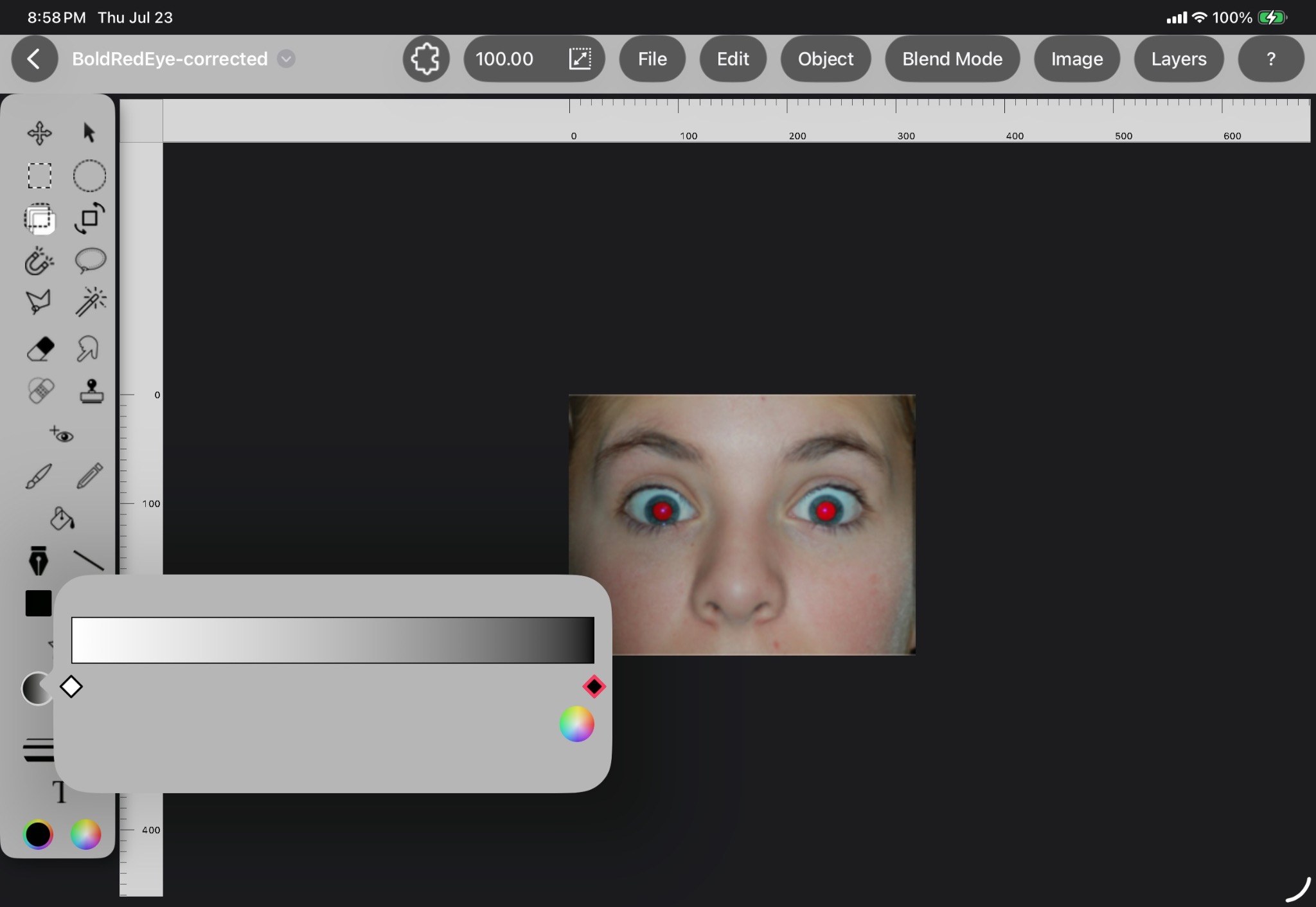
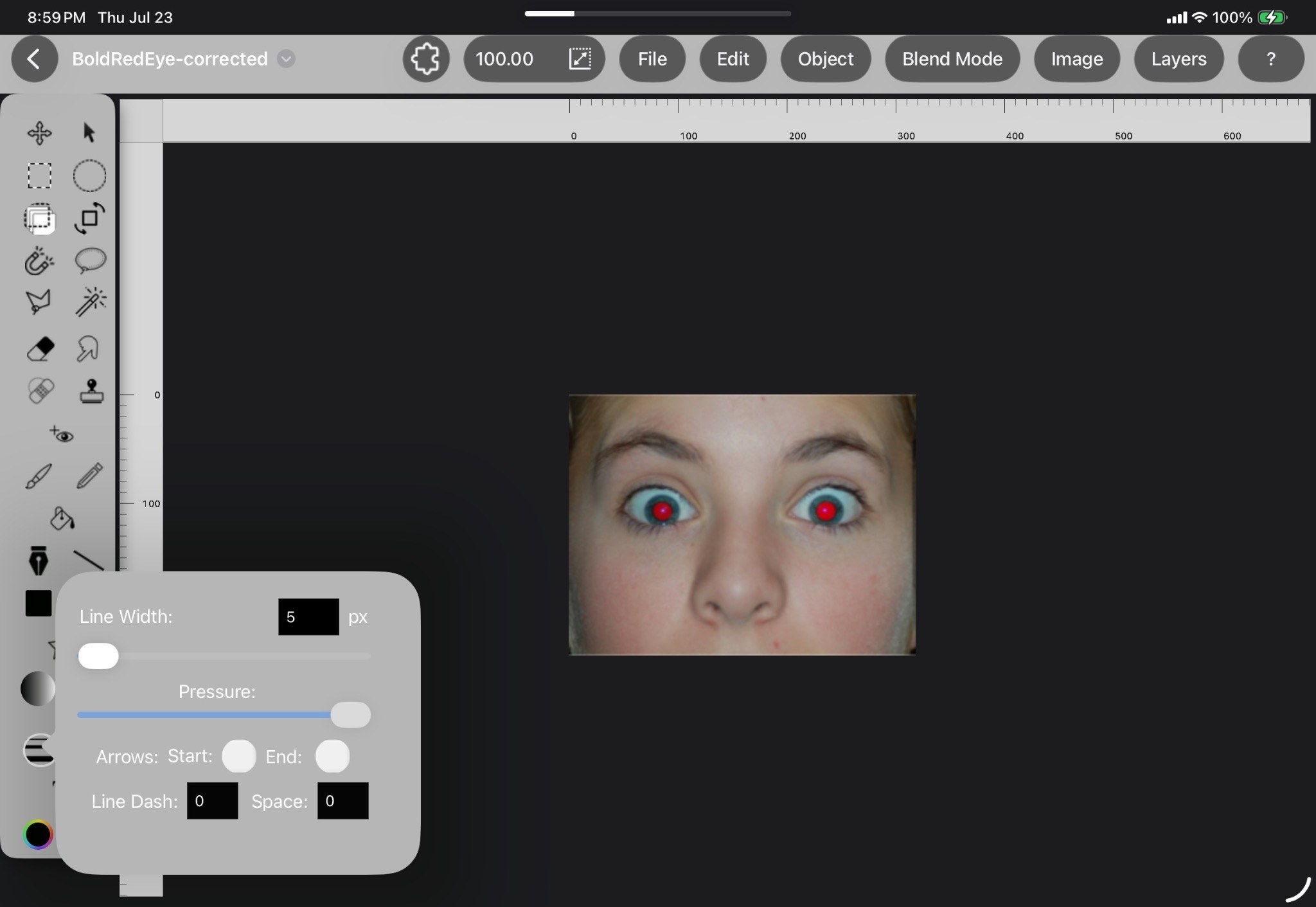
These interface images come from the current Genie Photo Help set and can be replaced with cleaner public-facing screenshots later.